From Sketch to Build: A Better Way to Measure and Draw Cabinets
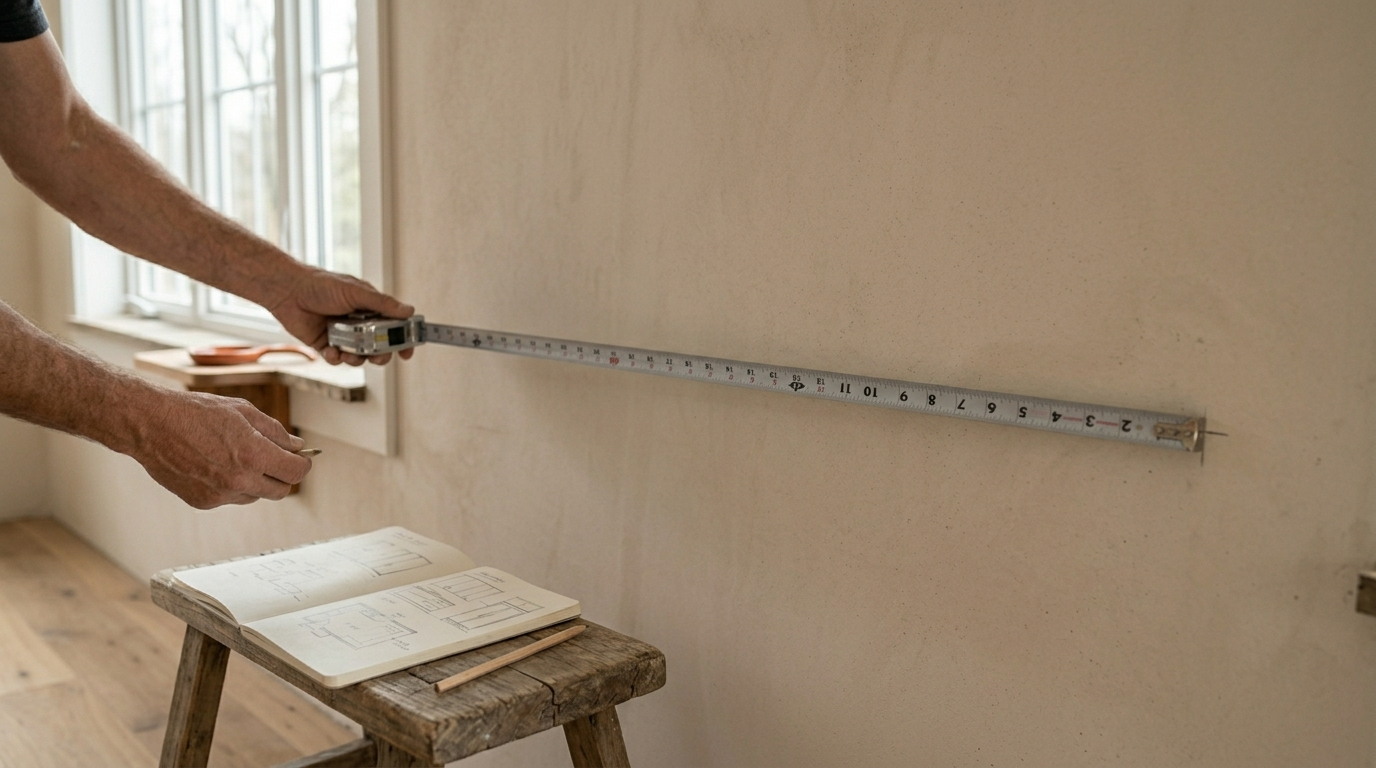
If you've spent any time building cabinets, you know the ritual. Tape measure out, dimensions jotted on a notepad or the back of an invoice, a rough sketch of the run scrawled on paper. It works — until it doesn't. The sketch gets you started. But somewhere between that first pencil line and the moment you're cutting sheet goods in the shop, things go sideways.
The Problem With the Paper Workflow
Hand-drawing a cabinet layout isn't hard. The problem is everything that comes after.
You finish the sketch, then you have to redraw it cleanly so someone else can read it. Or transfer it into a spreadsheet to calculate materials. Or a client wants to see something that doesn't look like it was drawn at a gas station. So you redraw it. Again.
Every redraw is a chance for a number to shift by half an inch. A dimension gets transposed. A stile width gets copied wrong. By the time you're in the shop, you're not building from a plan — you're building from memory, intuition, and a phone photo of a napkin drawing.
The Hidden Cost of Manual Measuring
Beyond the drawing itself, measuring by hand introduces compounding error. A room that's supposed to be 144 inches wide might actually be 143¾ at the floor and 144⅛ at the ceiling. If you don't catch that, your toe kick is off, your uppers don't land flush, and you're scribing in the shop when you should be installing.
There's also the time cost. For a small kitchen, a competent designer or shop owner might spend two to four hours on layout drawings alone — before a single board is cut. And if a client changes their mind? Back to the drawing board. Literally.
What a Better Process Looks Like
The goal isn't to eliminate measuring — dimensions matter and always will. The goal is to eliminate the gap between measuring and having a usable plan. That means:
- Input dimensions once, not three times across three different formats
- See the layout update in real time as you adjust sizes or swap cabinet types
- Generate output that's readable in the shop — labeled dimensions, elevations, a clean parts list
When the plan and the build stay synchronized, errors don't compound. You catch a clearance problem before it becomes a scribing problem.
Where Cabora Fits In
Cabora is built specifically for this problem. You input your room dimensions, place cabinets, and the layout builds itself. Dimensions update as you adjust. The output is clean, labeled, and ready to reference during the build — no redrawing required.
It's not a general-purpose design tool that happens to accommodate cabinets. It's purpose-built for the way cabinet work actually gets done: measured spaces, specific cabinet types, real-world constraints like door swings, appliance clearances, and wall returns.
If you're tired of redrawing the same kitchen three times before a single board gets cut, visit cabora.ai to see how it works.
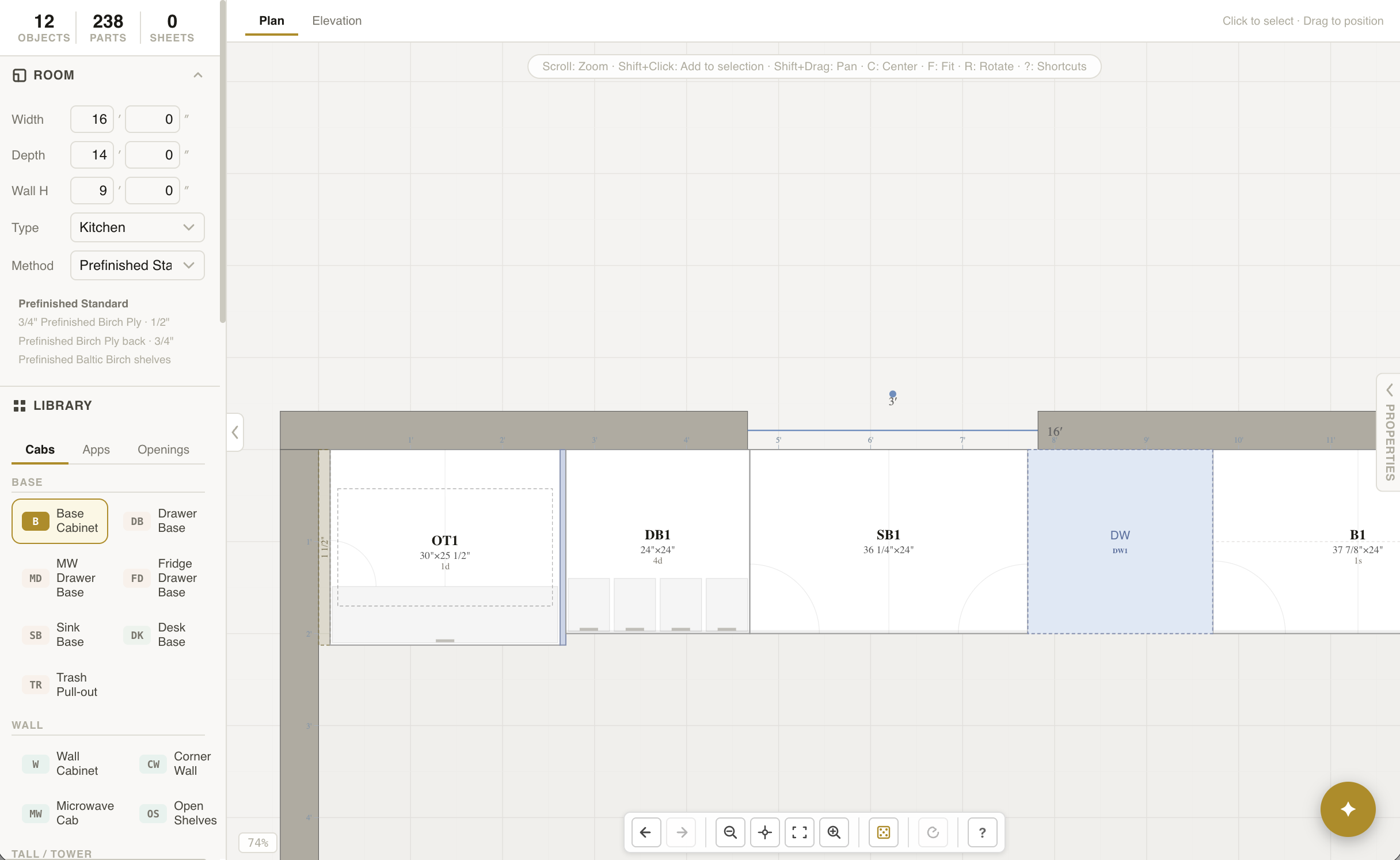
Cabinets placed on a real room plan — dimensions live, layout ready to reference in the shop.
- Every hand-sketch redraw introduces a new chance for dimensions to drift
- Manual measuring creates compounding error that surfaces as scribing problems in the shop
- A good plan means inputting dimensions once and having the layout stay synchronized
- Cabora generates labeled, build-ready layouts without the redraw cycle